Please wait...

You can create an unlimited number of additional menus to suits the various events or party menus you want to promote / use throughout the year.
These are typically used to allow your guests to order ‘extra’ such a drinks or merchandise, as part of the pre-ordering process.
From the main menu, click on Preorders

At the top of the Pre-order Requests screen, click on Standard Menus

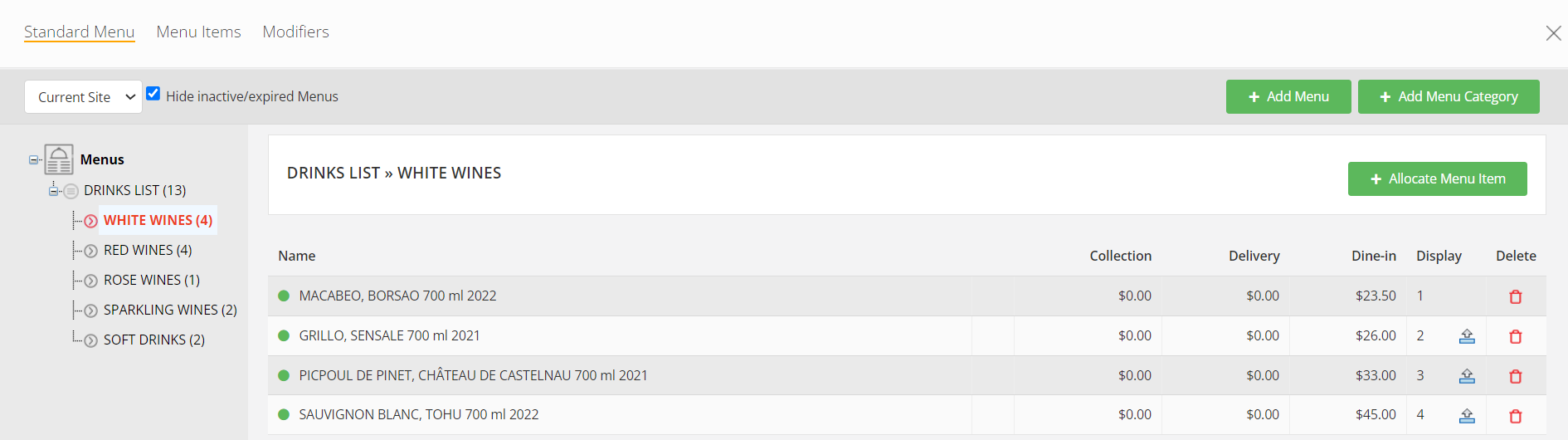
This opens a new window…

Note: If you have a lot of menus from previous weeks / months / year, click on Hide inactive/expired Menus to only display current active menus in use. By default, that option is selected.
Click on + Add Menu
The information you will need are the same as when you create a Set Menu.
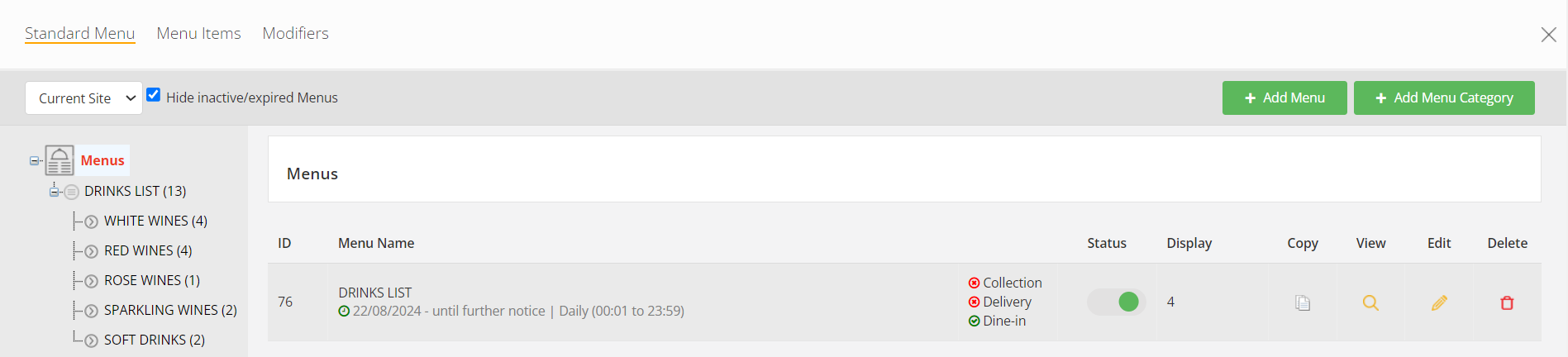
You can create as many Standard menus as you wish and include those in addition to your Set Menus, for pre-ordering.
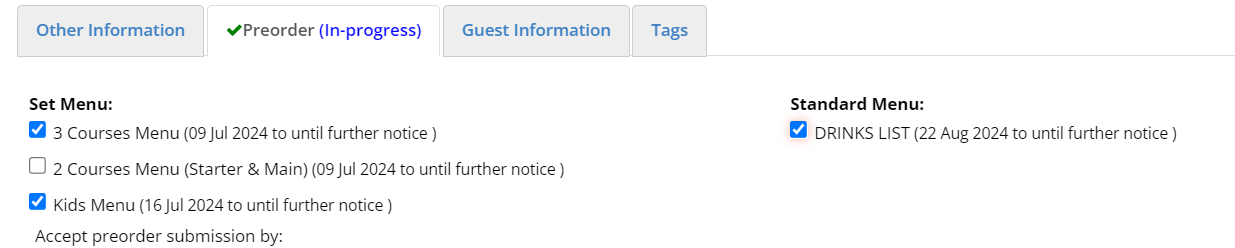
When added to a pre-order, the Standard Menu shows under a new tab called ‘Extras’
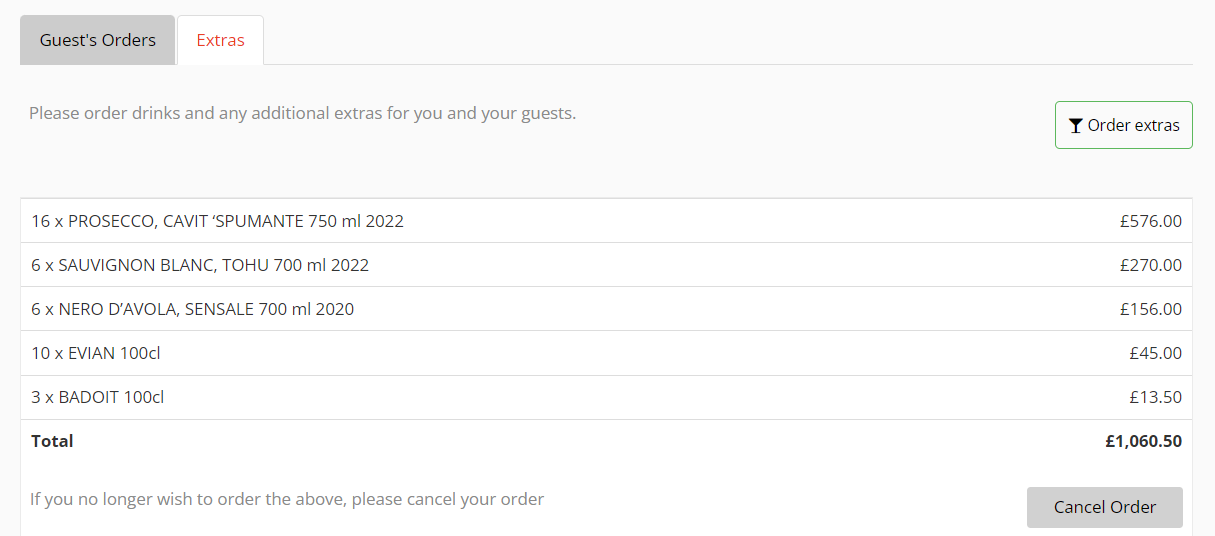
This allows the (Host) guest to place an order for their table in addition to the food pre-order.
The (Host) guest can click on Order extras to add / remove items, at any time.
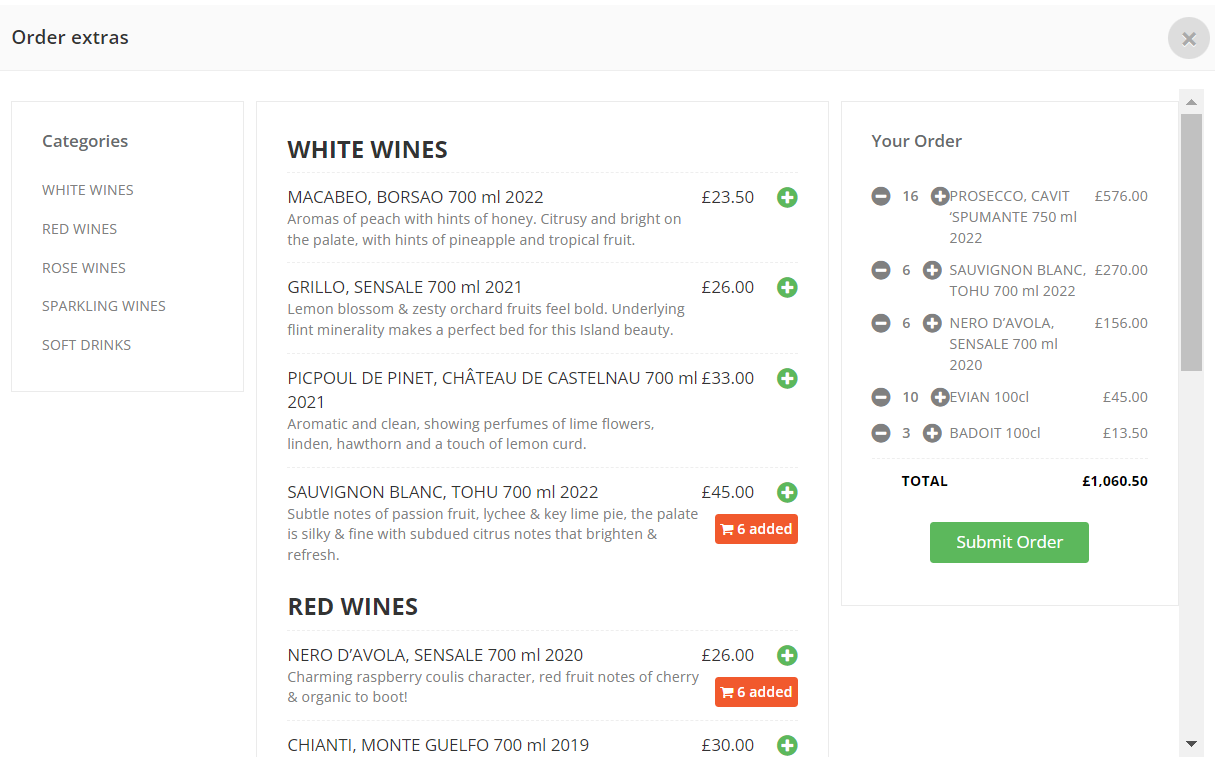
All orders for extras are appended to the pre-order record.
Adding Menu Categories & Menu Items is exactly the same process as for Set Menus.