Please wait...

This setting allows you to change the message displayed on the last page of the booking widget.

You can access this setting by clicking on Configuration > then click on Site Contents
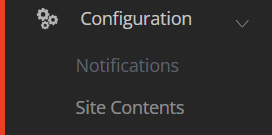
On the right hand-side, look for section Web Bookings Messages and click on that section to expand it.

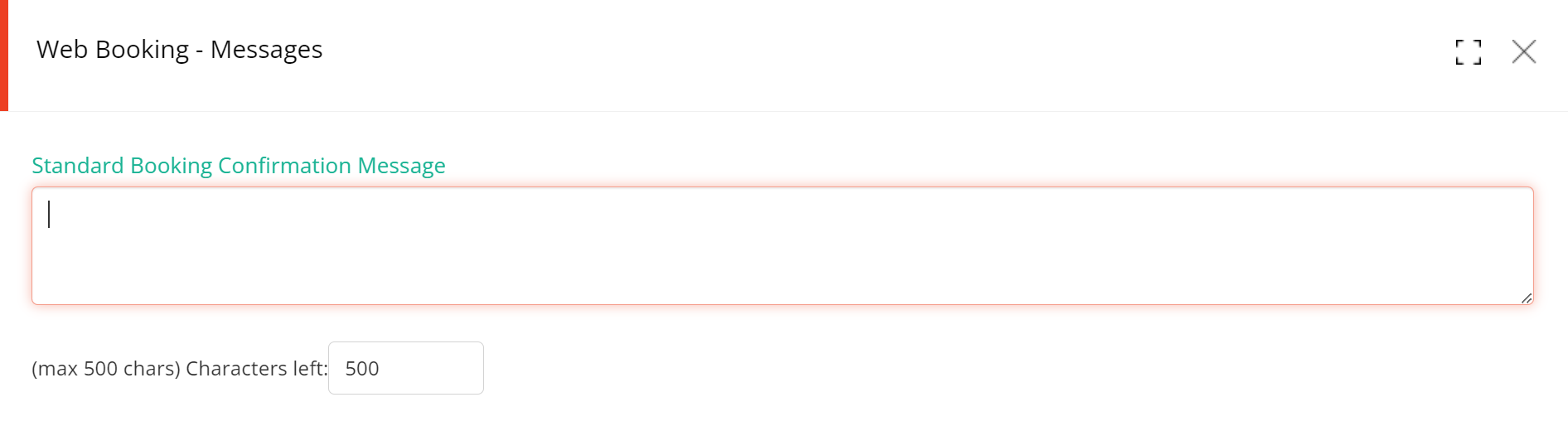
Locate setting: Standard Booking Confirmation Message

Click on the Edit button for that setting

Enter the text that you wish to display…
and then click on SAVE

The maximum number of characters allowed for that field is: 500


